I was recently contacted by a KOL (Key Opinion Leader) marketing company who asked me to review an AI media generation platform, offering me 4 months of “Pro” access to the platform plus 30% commission in exchange for my time. These days, I’m skeptical of nearly every email that comes my way. I did my homework and found the request to be legitimate, so I figured I’d give it a shot.
I’ll share the lessons I learned from my first sponsored YouTube video in this article in case you find yourself in the same boat.
Disclaimer, I will be using my affiliate link in this article, so I may earn a commission if you choose to sign up.
I’ll provide the full promo video at the end of this article, so you can see how it turned out!
Platform Introduction
Out of respect, I won’t be sharing details of the marketing company. The only info I’ll share is the platform I reviewed. However, I figure sharing a portion of the email could be useful for you to see how this all started:
Hi Tech-Multiverse,
I’m reaching out with a collaboration invitation from PhotoGenerator AI.
We’re looking for creators who enjoy exploring innovative AI tools and sharing new technology with their audiences.
PhotoGenerator AI combines:
• AI Image generation
• AI Video creation
• AI Character creation
• AI Audio tools
• Prompt Gallery
We’d love to offer you 4 months of Pro access and 30% lifetime commission to experience the product.
We can also arrange official email verification from @photogenerator.ai if you’d like to confirm the collaboration.
Hope we can work together!
A big pat of my research in whether or not I took this on was to check out the PhotoGenerator AI website myself. It actually seemed similar to Google Flow, which I had already been using to test out AI media generation. I wasn’t having the best luck getting the models in Flow to do what I want, so had already reduced my subscription from Pro (1,000 credits for $20 per month) down to Plus (250 credits for $5 per month). That way I had a few credits to generate media for random projects.
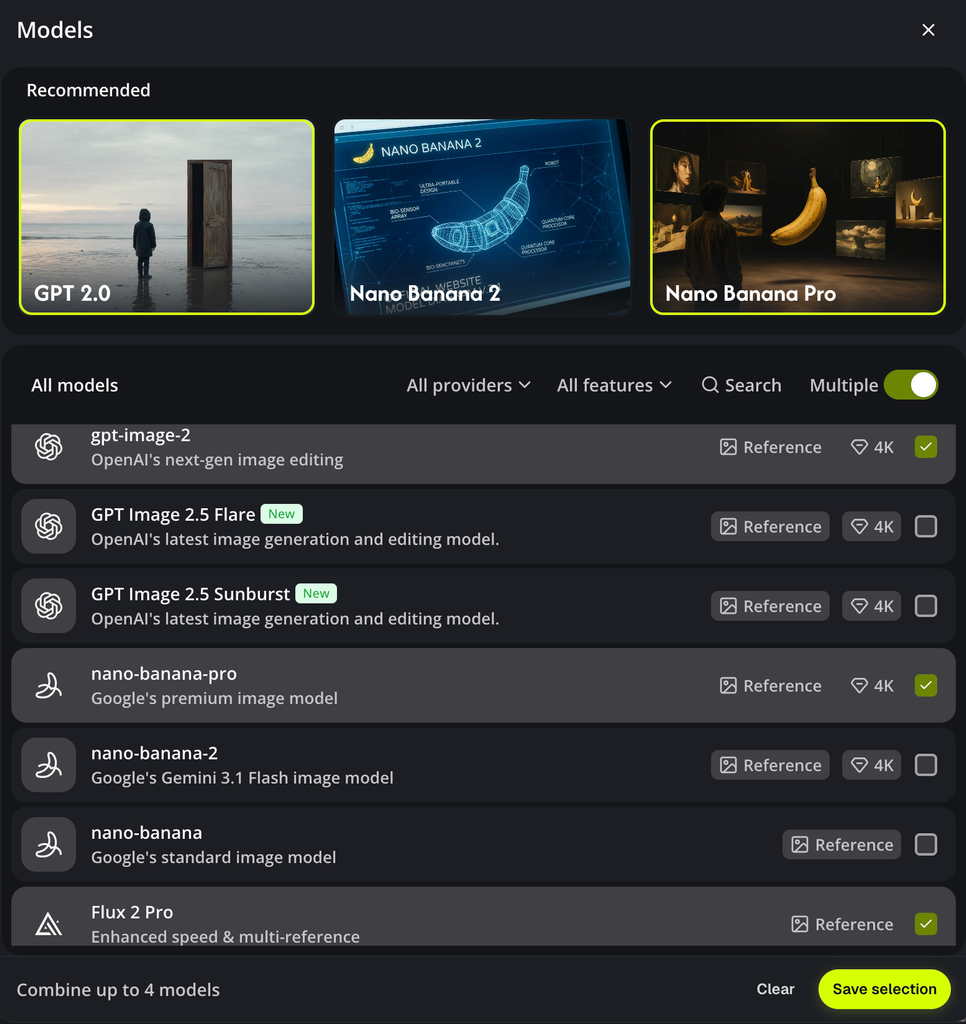
PhotoGenerator AI offers a lot of useful media generation tools. It was similar to what Flow offered, but I personally felt that the user experience in PhotoGenerator AI was better than Flow.
I really like that PhotoGenerator AI provides access to many popular models under a single subscription, with the ability to select multiple models to run from a single prompt.
After seeing all that, and realizing I’d actually use a platform like this, I agreed to take on the promo video project.
Once I expressed an interest in making the video, they gave me some options for the type of video I could create. I chose the 7+ minute video that showcased the core features of the platform.
They asked me to create an account and an sign up as an affiliate, since providing my affiliate link along with specific tags in the video description were part of the requirements.
They gave me a week to make it, at first, but they did extend that to two weeks since I didn’t want to feel pressured with my part-time schedule.
Making My Video
Making the video turned out to be a lot more fun than I had expected!
I started out by looking up other videos about the platform to see what what my “competition” was doing. I wasn’t super impressed with what I found.
My main hook for promoting the platform was based on a personal decision I had recently made, which was that subscribing to an AI media generation platform seemed like the better option over buying a GPU to do everything locally. Local media generation would come with plenty of troubleshooting to get workflows setup and would eat up local storage with hefty models weights. That seemed like an honest way to start my video.
From there, I started testing out different features and taking notes about each one. I did this by expanding one of my Google Flow projects, which is going to be the introduction to my upcoming livestreams on YouTube.
Here’s an example image generated with GPT Image 2, which has a KILLER rocket and amazing T13e branding!
I’m a big fan of GPT generated images!
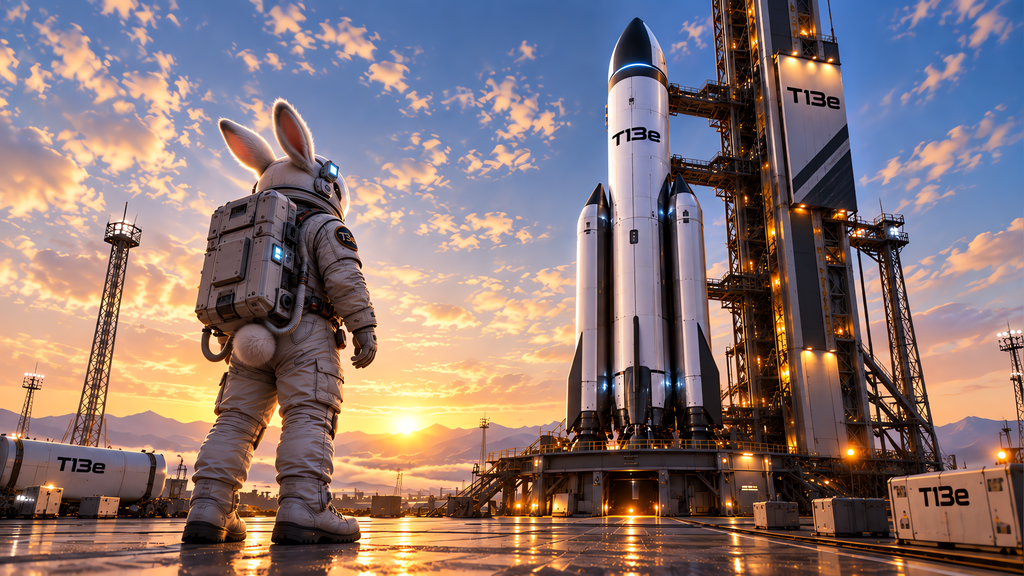
Even though GPT is known for prompt adherence, I simply could not get it to replicate Space Bunny’s butt that Nano Banana Pro generated, which my wife absolutely adores!
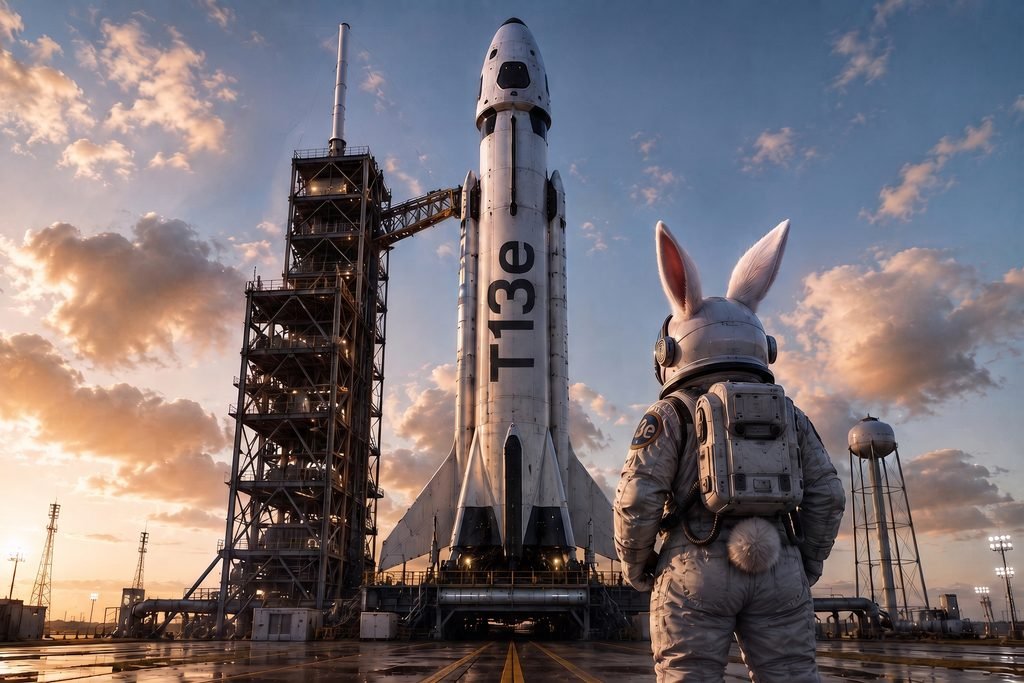
I already have a full 20 second animation sequence of Space Bunny launching into space to kick off the livestream mission. Now, I have to decide if I should redo the whole thing to get the killer rocket design GPT gave me, or keep the cute Nano Banana Pro bunny butt with the mediocre rocket.
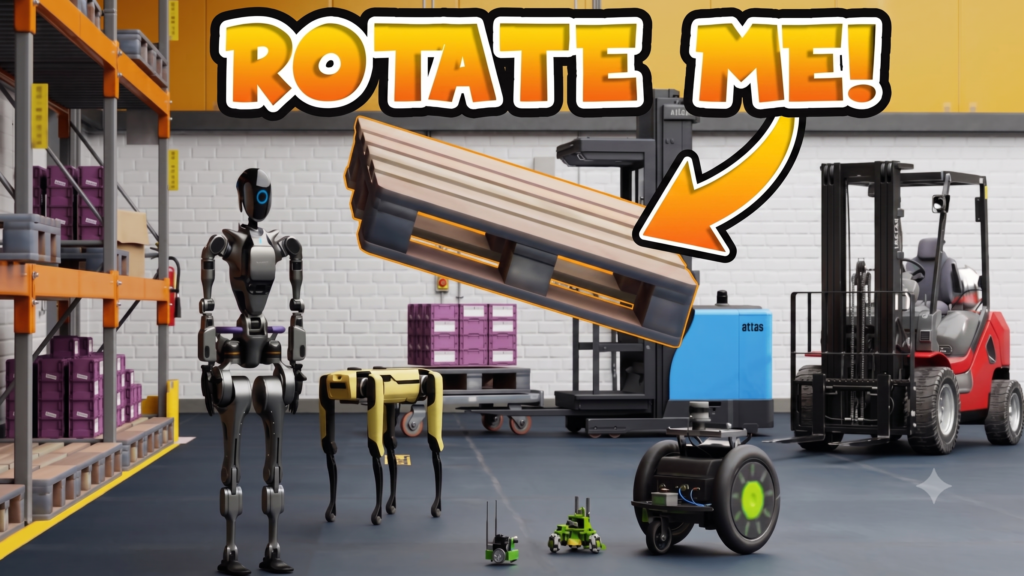
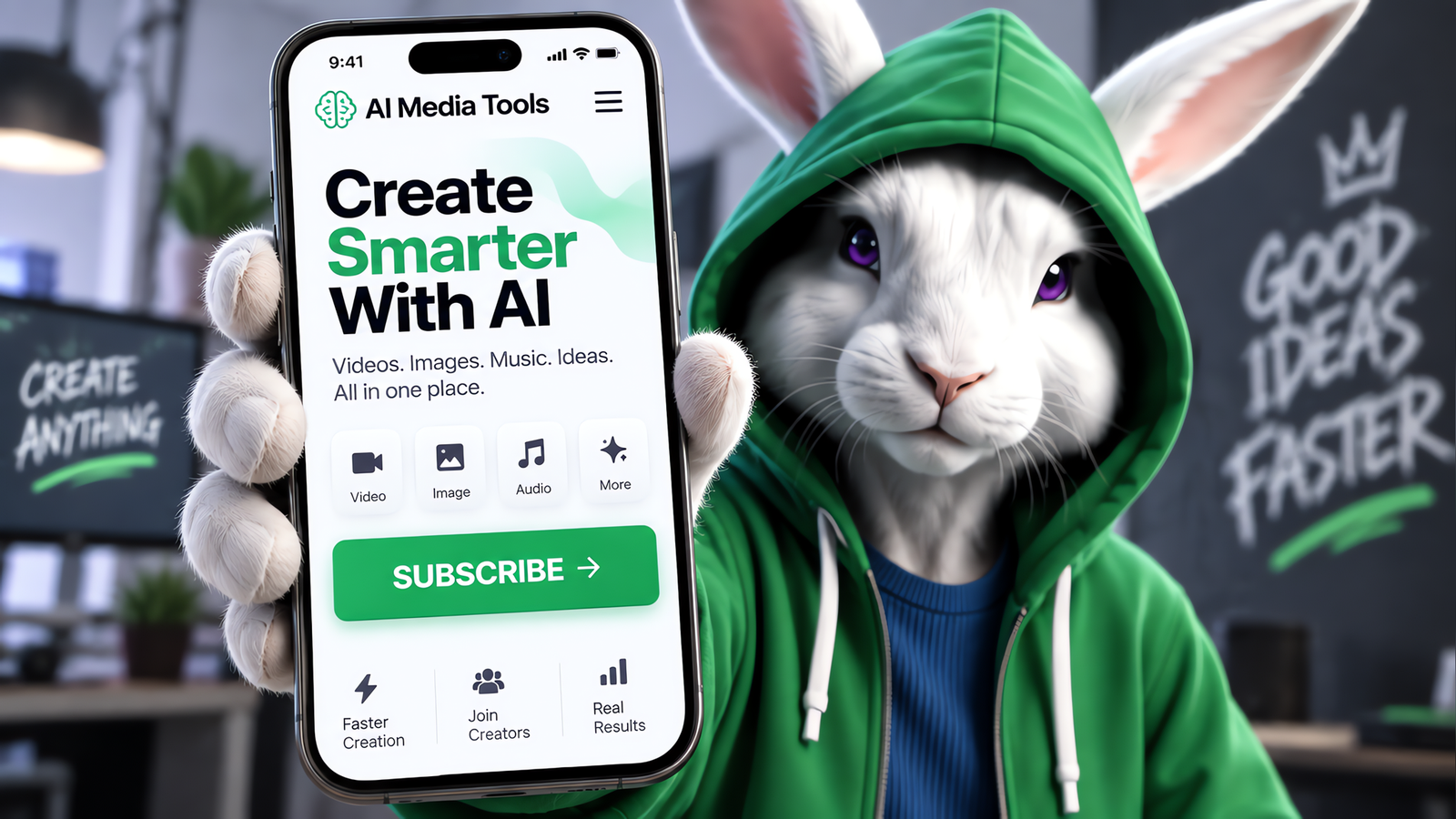
Bringing Hacker Bunny to life in marketing assets and exploring T13e branding is what made this project so much fun!
Here are some examples of my favorites:
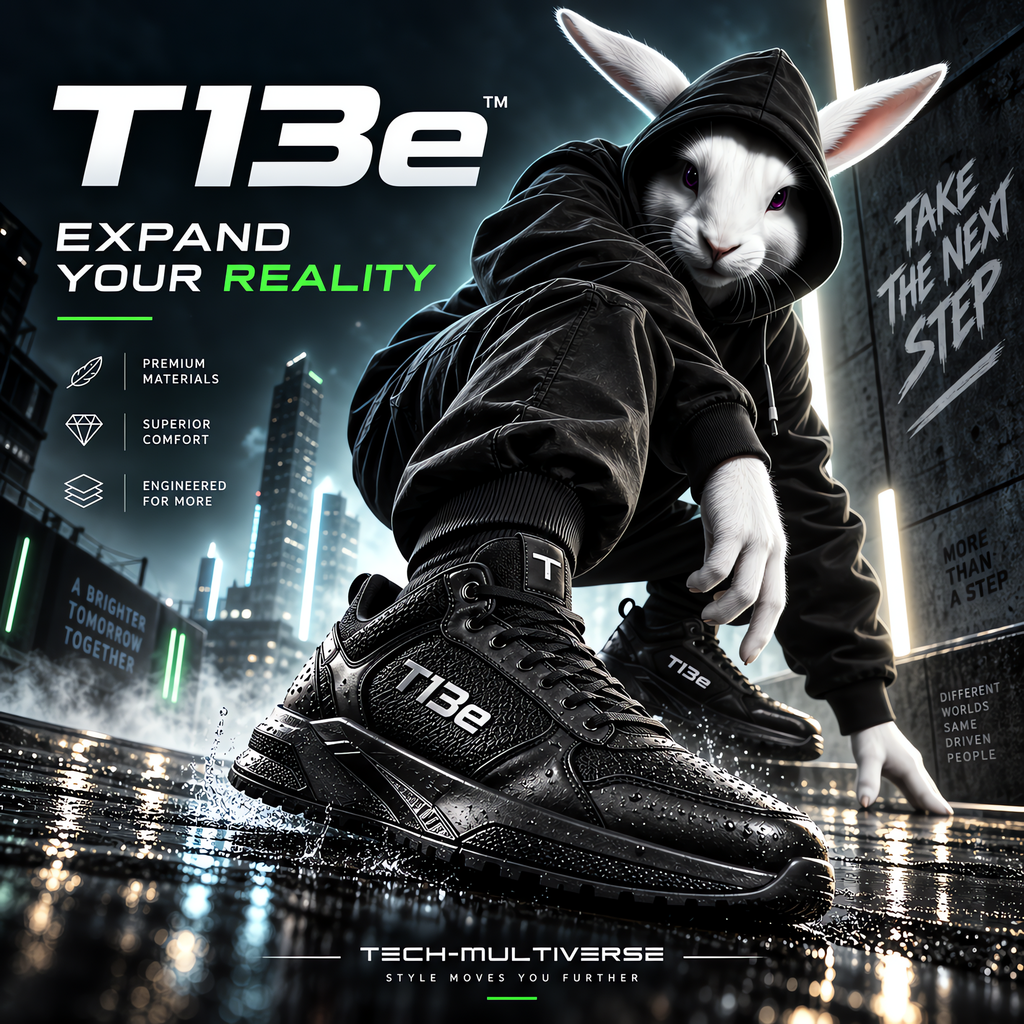
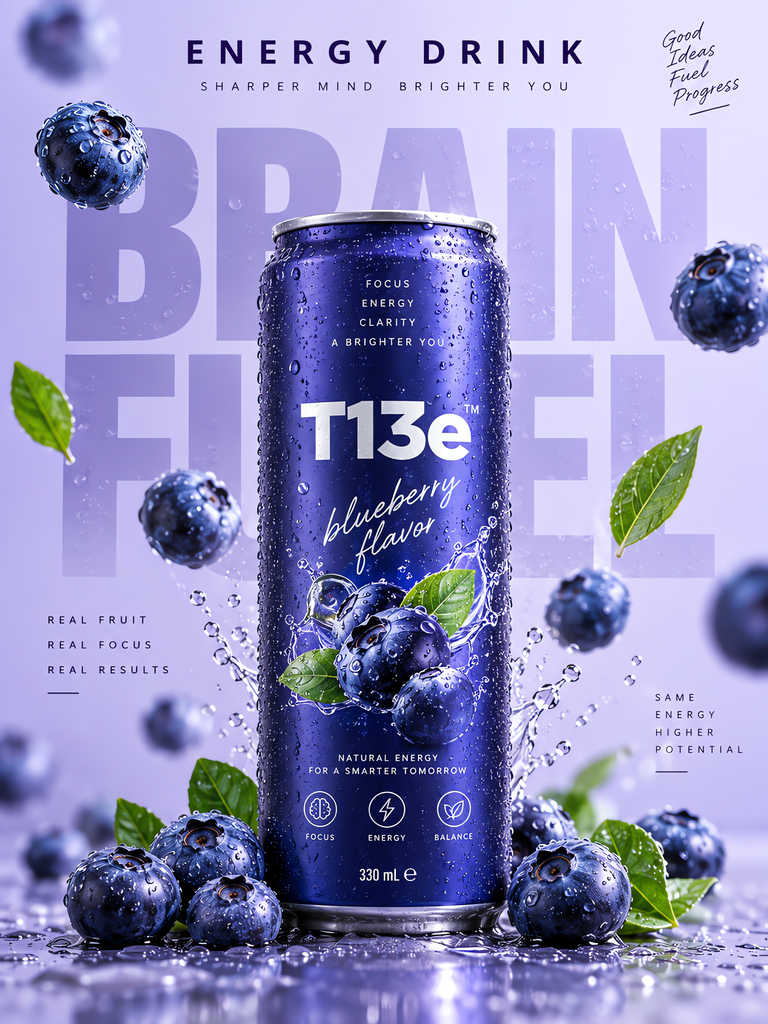

The process of exploring various media creations eventually lead to the initial script, which is what I used to kick of the video. I normally avoid scripts, but wanted to be clear and concise in my presentation. Towards the end of the video I did a little of my usual free styling, just to end on a personal touch.
I’ll put the final video below, so you can see how that turned out.
My Only Snags
There were a couple of things that feel worth calling out to emphasize the “lessons learned” approach to this article.
After sharing the final promo video with all the requirements met, they had extended my Pro subscription as promised. The main draw back was them doing that wiped out over 600 remaining credits, which I would have liked to use. They also started me off with a mid-tier subscription of 2,000 credits, which dropped down to the lower tier of only 1,100 credits. Expecting the 2,000 credits I got to create the video is on me and is a key detail I will keep in mind in the future.
They liked my video enough that they asked me to promote another AI platform, which was cool! However, that platform didn’t align with what I believe in as moral use of AI. So, I chose not to take that one on, but I mentioned I’d like to stay in touch for potential future opportunities that align with my channel.
I appreciate that using AI to generate media is a controversial topic. While it works for saving this slow artist a ton of time, I get that it isn’t acceptable to everyone. I even made a nod to that fact in my promo video.
Conclusion
My final video is based on my honest opinion of the PhotoGenerator AI platform. This is a platform I would use and subscribe to, so I feel comfortable in promoting it.
However, I had to draw the line at promoting something I don’t believe in. I used to do sales and only feel comfortable in promoting something I believe in, so why should this be any different?
My hope is that my audience appreciates this honest review, even if it’s only gotten 36 views in it’s first week. At least I had fun and learned something! 🤣
I also hope that this article is useful to others. While it’s documenting progress in building my own online presence, it’s really intended to share my experience with creating my first sponsored video with anyone curious about how that works.
Check out the final video and let me know what you think in the comments or give it a like if you found it through this article and enjoyed it.